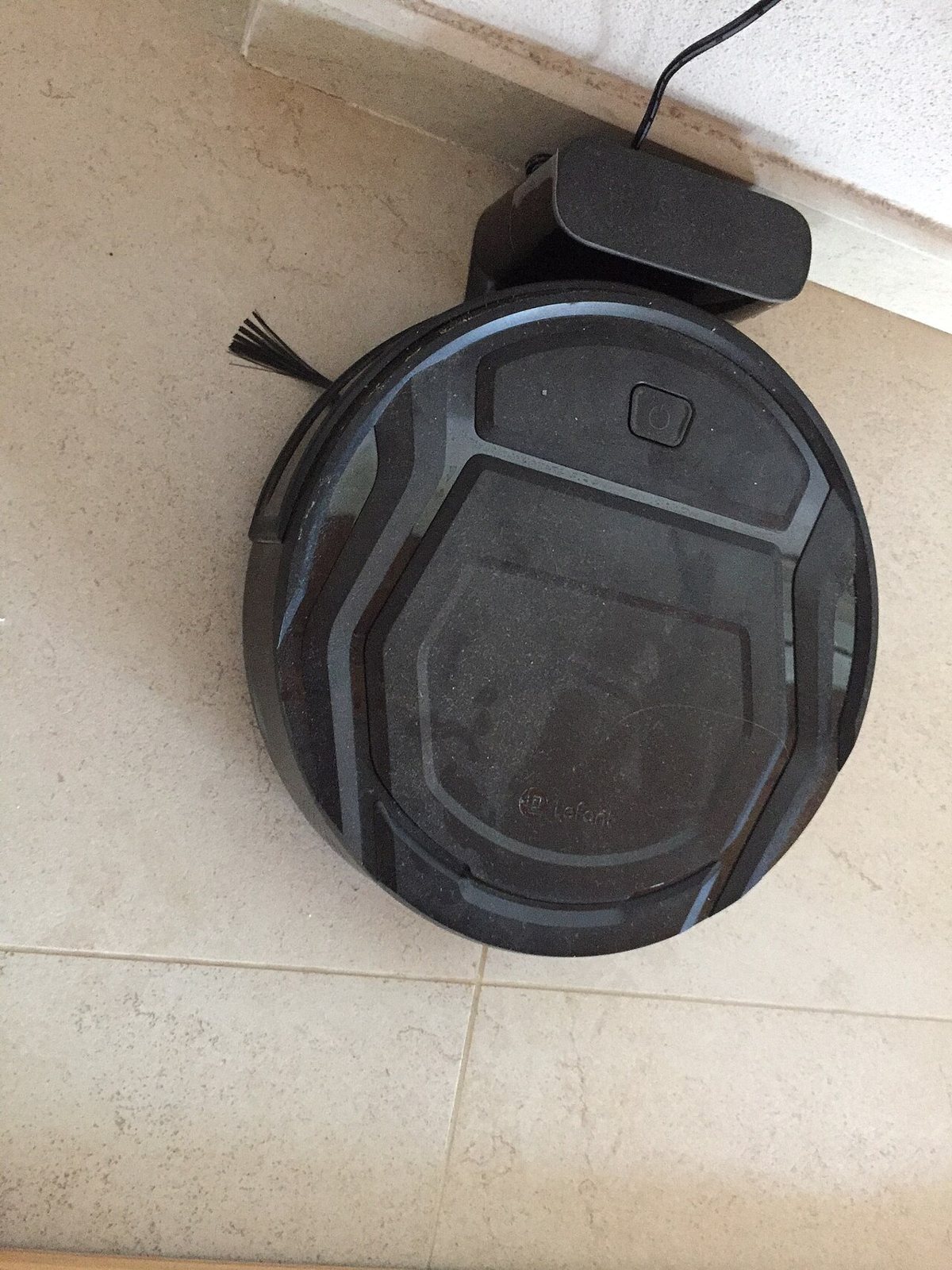
Every November the robot vacuums come out in force. They fill the front page of every big retailer's sale, the boxes get louder about suction numbers and self-emptying docks, and the range between the cheapest and the most expensive model gets wide enough to be a little silly.
My short answer to "which one should I get" is that the best robot for you depends far more on your floor plan than on the spec sheet. A small flat with hard floors and a big house with rugs, pets and stairs need very different machines, and the marketing rarely tells you which one you are looking at.
What follows is a general guide to the features, which ones tend to earn their cost and which ones you can skip. It is educational, not a recommendation of any particular brand or model.
Start with your floors, not the robot
Before you look at a single product page, walk around your home with a tape measure. Measure the gap under your sofa, beds and low cabinets, since that is where dust collects and where a tall robot will simply bump and turn away. Check the height of any door thresholds and rug edges, and compare that with the climbing height listed in the spec.
Then be honest about the mess. Long pet hair, a lot of rugs, kids dropping cereal and a sandy entryway each push you toward different features. A single person in a hard floored apartment can do very well with a basic model. A house with a shedding dog probably cannot.
Navigation is where the money actually goes
The biggest real difference between cheap and expensive robots is how they find their way around.
The simplest models bounce around more or less at random, using bump sensors to change direction. They work, eventually, but they miss spots and take a long time, and they have no idea where they have already been. A step up are robots that use gyroscopes and wheel sensors to drive in neat rows.
Most mid range and premium robots now use lidar (a small spinning laser on top) or camera based navigation to build a map of your home. That map is what lets you set no go zones, send the robot to clean only the kitchen, or have it vacuum one room after dinner. If you have more than a couple of rooms, mapping is the feature I would pay for before anything else.
Camera based navigation has one extra thing to think about. A robot that sees your home with a camera is collecting images of it, so read the maker's privacy policy and check what is stored, where, and whether you can turn features off. That alone shouldn't put you off, but it is worth checking before you buy.
Suction numbers are mostly marketing
Many boxes now quote suction in pascals, and the numbers keep climbing. Treat them with suspicion. There is no single standard way of measuring them across brands, and suction is only part of what picks up dirt. Brush design, the seal against the floor and the size of the bin matter just as much.
Pay more attention to the brush roll. Rubber or combination rollers tend to tangle less than old fashioned bristle brushes, which is a big deal if anyone in the house has long hair or if you have a pet. Untangling hair from a brush every few days gets old very quickly. (Nobody has ever enjoyed doing it with a pair of nail scissors.)
Self emptying docks and mops: useful, with running costs
A self emptying dock sucks the dirt out of the robot into a larger bag or bin in the base, so you only deal with it every few weeks. For people with pets or allergies it is a real quality of life upgrade. Two catches: the docks are big and noisy when they empty, and most use disposable bags you will be buying for as long as you own the machine.
Robot mop combos have come a long way, and the better ones lift the mop pad when they reach a rug. They are fine for regular light cleaning of hard floors. They are not a replacement for a proper mop on a sticky kitchen floor, whatever the photos suggest. Docks that wash and dry the mop pads are convenient but add more size, more cost and another tank to refill.
Count the cost of owning it, not just buying it
A robot vacuum is a bit like a printer, which I realize is not a compliment. The upfront price is only part of the deal. Over a few years you will replace filters, side brushes, main brushes, mop pads and dock bags, and eventually the battery. Before buying, check whether the maker sells those parts, whether third party parts exist, and whether you can replace the battery yourself.
Also look at the app. Some robots need an account and an internet connection for basic features, and a few of the cheaper brands have a habit of disappearing along with their apps. A model that can still run from a button on top if the app stops working is a safer long term bet.
A simple way to shop the sales
If you are shopping this month, decide on your must haves before you look at deals: mapping or not, self emptying or not, mop or not. Then compare models that meet that list and ignore everything else, especially the suction number in the biggest font.
Last year's models are often very good value during the holiday sales, because the hardware changes less from year to year than the marketing does. Check the return window, keep the box for the first couple of weeks, and let the robot run in your actual home before you decide. Two weeks of normal use will tell you more about whether it suits your floors than any review, including this one.
Enjoyed this story?Get a new one every day on social.